Client background
EPEC Group is a Brisbane-based electrical engineering contractor specialising in high-voltage (HV) connections for renewable-energy projects across Australia. It is the work that connects new renewable generation to the grid, and it depends on detailed power-system studies being right and being delivered on time.
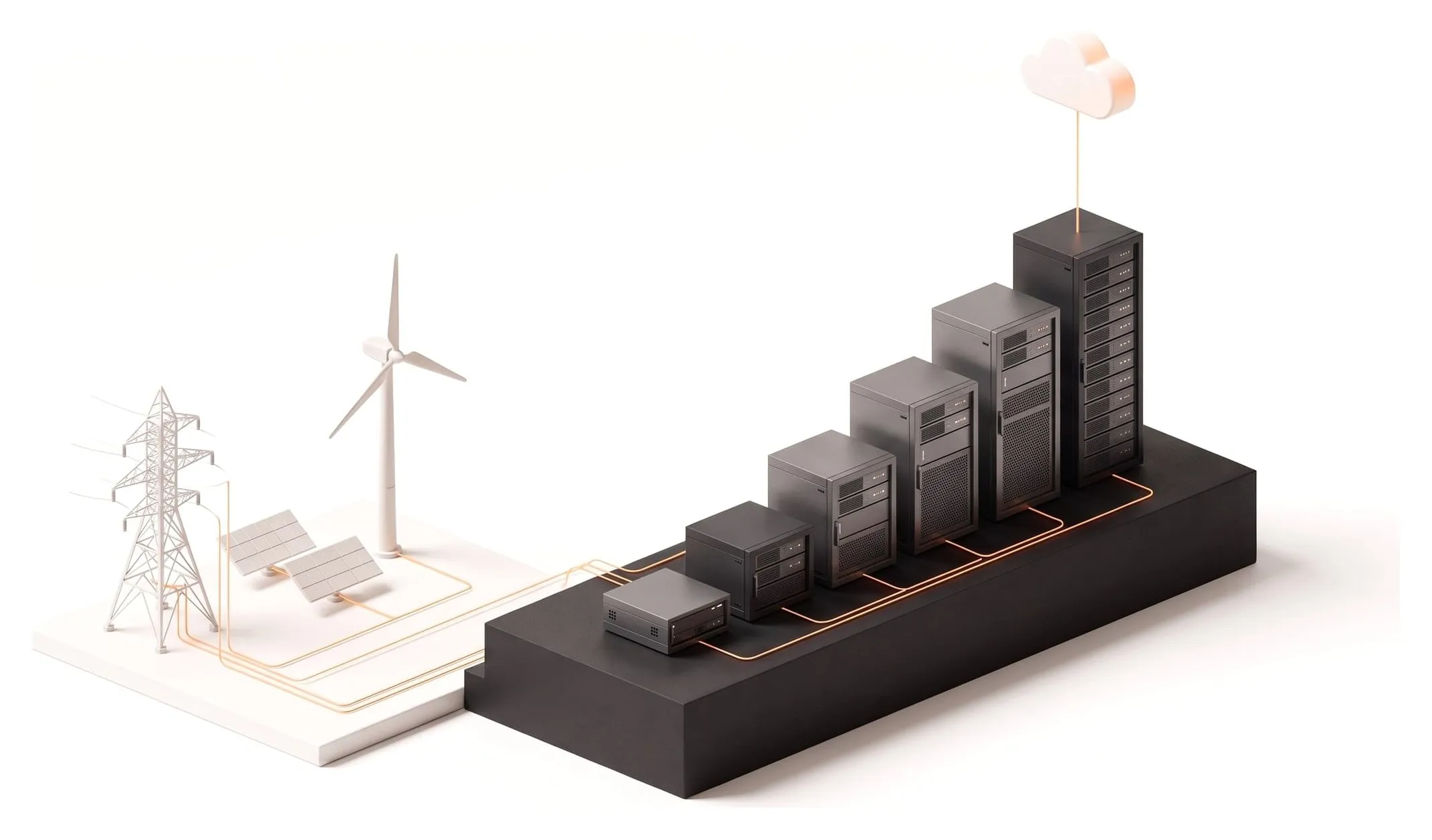
When JTIT first engaged with EPEC, the company had around 20 staff. Through sustained growth and major project wins, it has expanded to more than 210 users today, over ten times the size. That is a different business at every stage: a small team sharing an office, then multiple teams, then engineers and project staff spread across sites and client locations around the country. The IT had to be right for each stage without holding back the next one.
Growth JTIT has supported
~20
staff when JTIT first engaged
210+
users supported today
10×
the size, without a major re-platform
The challenge
Rapid headcount growth, geographically dispersed teams, and demanding engineering workloads created a series of pressure points. None of them is unusual on its own. Together, in a business growing this quickly, each one had the potential to slow project delivery.
01
Heavy compute needs
Engineers depend on DIgSILENT PowerFactory and Siemens PSS®E for grid modelling and studies. These workloads are CPU and RAM intensive, and they are time-critical.
02
Scalable storage and collaboration
Teams needed fast local access to large model files, plus seamless collaboration across the company.
03
Secure remote access
Field engineers and project staff required reliable, secure connectivity from project sites and client offices.
04
Identity and governance
EPEC needed to centralise identity, enforce policy, and support joiner, mover and leaver processes as the organisation scaled.
05
Security posture
Growth brought a larger attack surface and more phishing exposure. Leadership wanted layered detection and user education, not a single product.
The tension running through all five is performance versus flexibility. Grid-modelling software wants powerful hardware and fast storage close to the engineer. A distributed, fast-growing workforce wants everything available from anywhere. Pushing the whole environment in either direction would have solved one problem by creating another.
The solution
JTIT implemented a balanced, hybrid approach: keep the performance-critical engineering workloads on infrastructure built for them, and use cloud collaboration and layered security around it.
The hybrid environment
Office engineers
Low-latency access to models and studies
Site and field staff
Project sites and client offices
OpenVPN
Secure remote access to core resources
On premises
Compute servers
PowerFactory and PSS®E
Local file servers
Large simulation datasets
AD DS
Identity, GPO policy, authentication
Cloud
SharePoint
Cross-company sharing, versioning, controlled external collaboration
Security across all of it
Huntress EDR
Servers and workstations, 24/7 threat hunting
Anti-phishing controls
Less malicious mail reaching inboxes
Awareness training
Ongoing, so staff spot and report
Infrastructure and performance
PowerFactory and PSS®E set the pace for everything else. When a study is due and the servers are saturated, engineers wait, and so does the project. JTIT scaled the on-premises servers incrementally, expanding compute, RAM and storage to support both applications at peak usage rather than average usage.
Local file servers were retained for high-throughput access to large simulation datasets, so opening and saving a model is not at the mercy of an internet link. Just as importantly, JTIT runs proactive capacity planning: hardware is added before a bottleneck affects delivery, not after engineers start reporting slow runs. For more on how we run this day to day, see server management.
Collaboration and information management
Not everything belongs on a file server. JTIT rolled out SharePoint for cross-company file sharing, document versioning, and secure external collaboration where a project requires it.
The part that makes a hybrid setup work in practice is being explicit about it. JTIT and EPEC defined which data lives where, so staff are not guessing, duplicating files between systems, or putting performance-sensitive data somewhere it will be slow.
Lives on local file servers
Large model files and simulation datasets, where throughput and latency decide how long a study takes.
Lives in SharePoint
Documents that teams across the company work on together, need version history for, or share securely with external parties.
Read more about how we approach this in SharePoint consulting.
Connectivity and identity
EPEC’s people are often not in the office. JTIT implemented OpenVPN for secure, reliable remote access from project sites and client locations, giving field engineers and project staff consistent access to the same core resources as the team in Brisbane.
Underneath, JTIT deployed and maintains on-premises Active Directory Domain Services, with a local domain controller providing centralised identity, Group Policy, and authentication for the applications that depend on it. At 20 staff, managing accounts by hand is an annoyance. At more than 200 it is a risk. Centralised identity means a new starter gets the right access on day one, a change of role changes their access with it, and a leaver’s access is removed in one place.
Defence-in-depth security
A larger, better-known company is a bigger target. Rather than rely on one control, JTIT layered three that cover each other’s gaps:
- Huntress endpoint detection and response across servers and workstations, providing 24/7 threat hunting and remediation assistance.
- Anti-phishing email controls to reduce the malicious mail reaching users in the first place.
- Ongoing security awareness training to lift user resilience and reporting, for the messages that do get through.
Filtering reduces the volume, training improves the odds when something lands in an inbox, and endpoint detection is there for the case where both of those fail.
Outcomes
01
Seamless scale
IT capability grew in step with the business to 210+ users, without a major re-platforming along the way.
02
Engineer productivity protected
High-usage tools (PowerFactory, PSS®E) run reliably, with local servers providing low-latency access to models and studies.
03
Hybrid collaboration that works
SharePoint enables cross-team work and controlled external sharing, while local storage serves performance-sensitive data.
04
Secure remote operations
Site and field teams connect safely via OpenVPN, with consistent access to core resources.
05
Stronger security posture
Layered controls (Huntress, anti-phishing and training) reduce risk and improve detection and response.
Why hybrid, and not everything in the cloud
Cloud-first is the right default for most businesses, and it is what we recommend most of the time. EPEC is a good example of when it is not the whole answer. The studies its engineers run are limited by CPU, RAM and how quickly large model files can be read and written. Keeping that work on local servers keeps it fast, and keeps it independent of the internet connection.
Everything that benefits from being in the cloud is there: shared documents, version history, and collaboration with external parties. The result is an environment where each workload sits where it performs best, and one that has absorbed a very large increase in headcount by being extended step by step, never by being torn out and replaced.
If your firm runs demanding engineering or modelling software, see how we support engineering firms.
Architecture snapshot
| Layer | Technologies and notes |
|---|---|
| Compute | Physical servers (CPU, RAM and SSD scaled as needed) |
| Engineering apps | DIgSILENT PowerFactory, Siemens PSS®E |
| Storage | Local file servers for large model datasets; SharePoint for collaboration and versioning |
| Identity | AD DS (local domain controller), GPO for policy |
| Remote access | OpenVPN for secure connectivity |
| Security | Huntress EDR, anti-phishing email controls, user security training |